
Why Winter Darkness Needs Smart Lighting
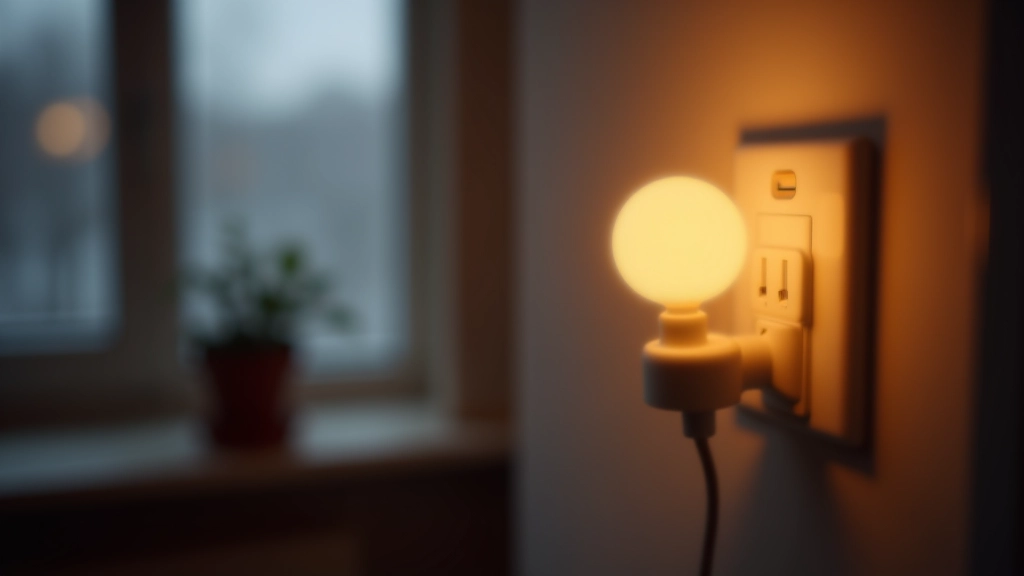
Estonia gets about 6 hours of daylight in December. That's not a complaint — it's just reality. When the sun disappears by 3 PM, your home either stays gloomy or your electricity bill climbs. Smart plugs and LED bulbs solve this without requiring an electrician or complicated wiring.
Here's the thing: you're not automating for convenience (though that's nice). You're automating because your body needs consistent light to regulate sleep and mood. Smart lighting does that automatically. When it gets dark at 2 PM, your lights turn on at your chosen time. When sunrise finally arrives in March, you adjust the schedule. No manual switches every week.
Most smart plugs work the same way. They're small adapters that fit between your wall outlet and whatever you plug into them. Add a schedule through an app, and you're done. No hub required for basic timers.
Choosing the Right Smart Bulbs
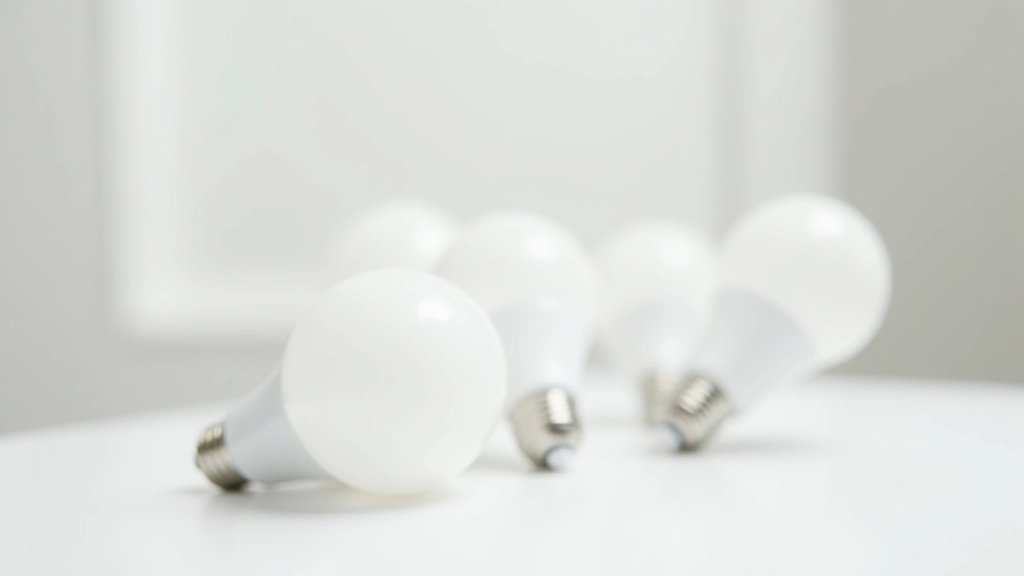
Not all LED bulbs work with smart plugs. Here's what matters: Wattage compatibility and socket type. Most smart plugs handle standard household bulbs (up to 2000W), but check your specific model's specs. Socket type is usually E27 (standard screw-in) or E14 (smaller bayonet style) in Estonia.
Color temperature is where the real benefit comes in. You want warm white (2700K) for evenings — that's around 2700 Kelvin. It doesn't mess with your melatonin. Cool white (4000K+) works for mornings and task lighting. Some bulbs let you adjust color temperature through the app. That's ideal but costs more.
Brightness matters too. Look for bulbs rated 800-1000 lumens for living spaces. That's roughly equivalent to a 60W incandescent bulb. For reading corners or work areas, go up to 1200-1400 lumens. LED bulbs use 80-90% less energy than old incandescent ones, so you can use brighter bulbs without guilt.
Quick Tip: The 3-Schedule Method
Most people set one schedule and forget it. You'll get better results with three: morning (6:30-8 AM for wakeup), afternoon (2-5 PM for winter darkness), and evening (6-10 PM). Adjust these as daylight shifts through the season. It takes 5 minutes per season change.
Setting Up Schedules That Actually Work
The setup is genuinely simple. Most smart plugs connect to WiFi directly through a mobile app. You download the manufacturer's app, scan the QR code on the plug, select your home WiFi network, and you're connected. The entire process takes under 5 minutes for a beginner.
From there, you create schedules. You don't need sunrise/sunset automation for basic setups — just fixed times. In January, maybe you want lights on at 2:30 PM. By March, 4 PM is enough. In May, you might not need them at all. Apps let you create multiple schedules and toggle between them, or you can manually adjust times as seasons change.
Pro move: name your plugs clearly. "Living Room Lamp" instead of "Smart Plug 1." That matters when you've got three plugs in different rooms. Also, group them by room in the app if it supports that feature. You'll find your devices faster.
Common Mistakes to Avoid
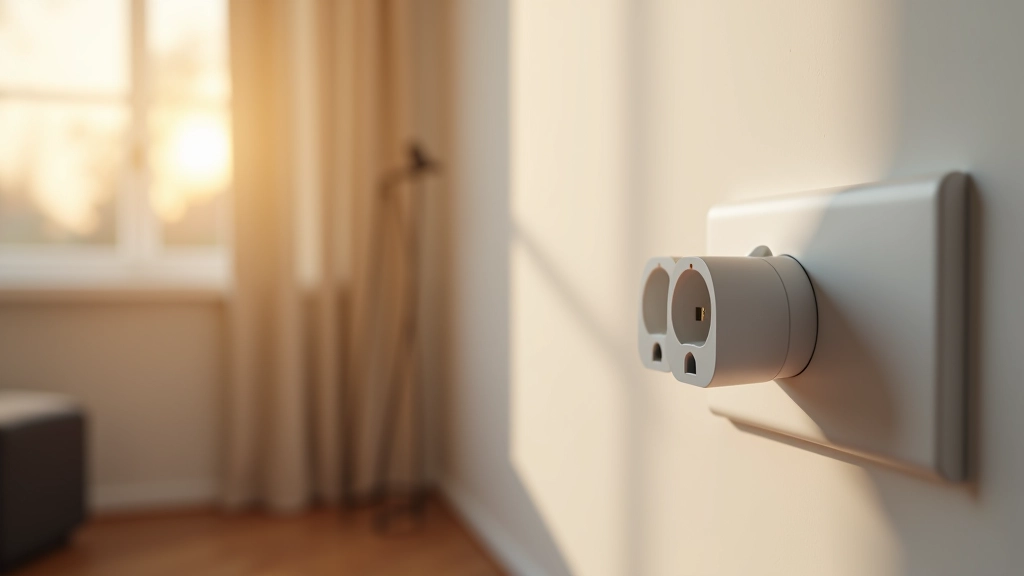
Don't overload a single plug. Most smart plugs handle one lamp or device safely. If you want to control multiple lights in one room, use separate plugs — don't use an extension cord under the smart plug. That defeats the safety mechanism.
Don't set schedules too aggressive. If you schedule lights to turn on at 2:30 PM every day and then you're home at 2:15 PM working by natural light, you've got unnecessary automation. Schedules should feel invisible — they work when you're not thinking about it.
Don't forget about your WiFi. Smart plugs need stable WiFi. If your router's in a different room behind thick walls, plugs might drop connection. Newer WiFi 6 routers handle this better. If you've got WiFi problems, that's your actual problem — not the plug.
Start Small and Build From There
You don't need a fully automated home to benefit from smart lighting. Start with one smart plug and one lamp in your main living space. Use it for 2-3 weeks, adjust the schedule based on what actually feels right, then add more if you want. Most people find that one plug in the living room covers 80% of their needs.
Smart plugs and LED bulbs won't solve the darkness of a Nordic winter, but they'll make those dark hours feel less gloomy. Your space stays well-lit without you thinking about it. Your energy bills stay reasonable. And your sleep schedule stays healthier because your environment isn't fighting your circadian rhythm. That's worth the €15-30 per plug.
Disclaimer
This article provides informational guidance on smart plug and LED bulb selection and setup. It's not a substitute for professional electrical advice. Always verify that smart plugs comply with Estonian electrical standards (EVS) and your home's wiring before installation. Don't exceed the wattage limits specified by your plug manufacturer. If you're unsure about electrical safety or compatibility with your specific home setup, consult a qualified electrician. Results and compatibility vary based on individual household conditions, WiFi infrastructure, and device models.